
A static QR code does not expire. The content is stored in the code itself, so the code can be read for as long as it stays legible. A dynamic QR code depends on an online service, so it only works while its short link stays active.
When a QR code "stops working", the code itself is rarely the problem. Here is what actually causes it, and how to choose a code that will last.
Static vs dynamic: which ones can stop working?
| Static QR code | Dynamic QR code | |
|---|---|---|
| Where the content is stored | In the code itself | In a short link managed by a service |
| Has a built-in expiry date? | No | Not by nature, but a provider or link setting can end it |
| Depends on a service to redirect? | No | Yes |
| Can the destination be changed later? | No | Yes |
A static code that contains a website address still relies on that website. The code will scan, but the visitor will see an error if the page has been removed.
Why QR codes stop working
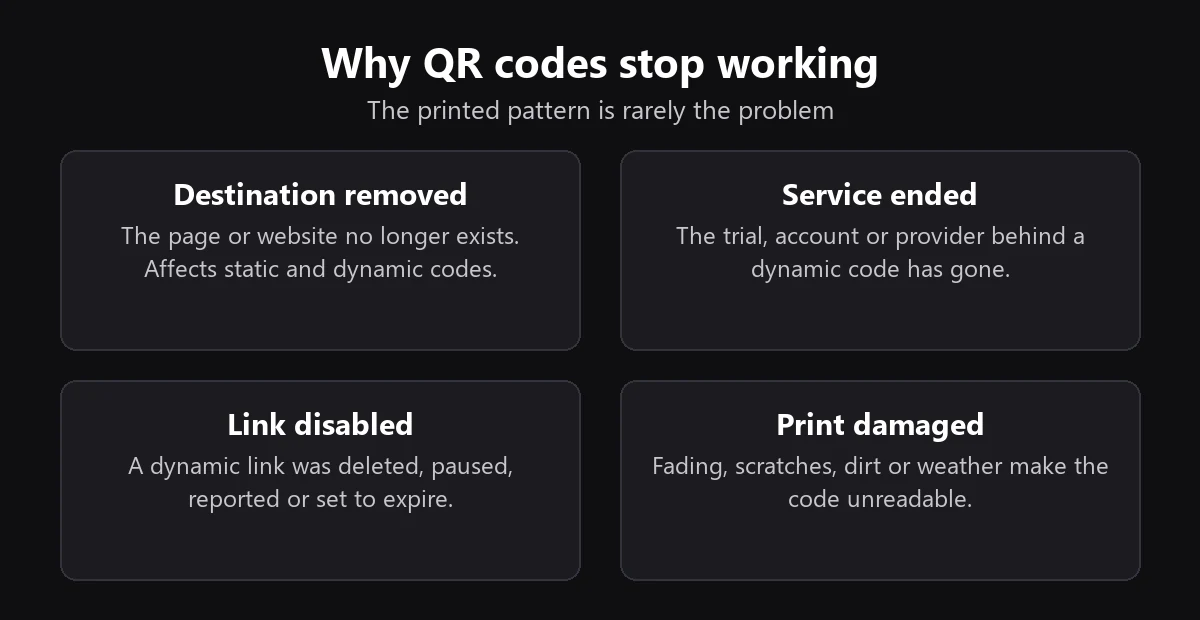
- The destination is gone. The page was deleted, the domain expired, or the website was redesigned and the address changed. This can affect static and dynamic codes alike.
- The service ended. A dynamic code goes through its provider. If the account is cancelled, the trial ends or the company shuts down, the redirect can stop. Check the terms before you print.
- The link was disabled. A dynamic link can be deleted, paused, reported for abuse or given an expiry date on purpose.
- The print is damaged. Fading, scratches, dirt and weather can make a code unreadable. Error correction can recover from some damage, but not all of it.
How to make a QR code last
- Choose the right type. Use a static code for content that will not change, such as Wi-Fi details or a vCard. Use a dynamic code if the destination may change.
- Link to a stable address. Point the code to a page you control and plan to keep, and set up a redirect if that address ever changes.
- Read the provider's terms. Before printing a large run, find out what happens to your codes if you change plan or stop paying.
- Print for the conditions. Use durable materials or lamination outdoors, and print at a size that can be scanned reliably.
- Test periodically. Scan long-running codes from time to time, especially after you redesign your website.
What about LinkInto QR codes?
Static codes made with our free QR code generator contain their content directly, so they do not depend on your account or on our service to scan.
Dynamic codes use a short link in your account and keep working while that link stays active. On the free plan, scan statistics stop counting after 50 scans in a month, but the code itself keeps sending people to your destination. See the plans for current limits.
Frequently asked questions
How long does a QR code last?
A static code has no time limit. It works as long as it can be read and its content stays useful. A dynamic code works as long as the service and its link stay active.
Do free QR codes expire?
Not if they are truly static. Some websites offer "free" codes that are really dynamic and stop working after a trial, so check whether a code goes through the provider's own link before you print it.
How can I tell if a QR code is static or dynamic?
Scan it and look at the address shown before opening it. If it points to the provider's short domain rather than the final website, it is probably dynamic. A code that holds a contact card or Wi-Fi details directly is static.
Can I fix a QR code that has stopped working?
If it is dynamic and you still control the account, you can update the link. If it is static, you cannot change the code, but you can restore the page at the original address or redirect that address to a new page.